
Installation and Setup
After downloading Clash Party, install the package for your operating system. The example below uses Windows 11.
Click Install to begin:
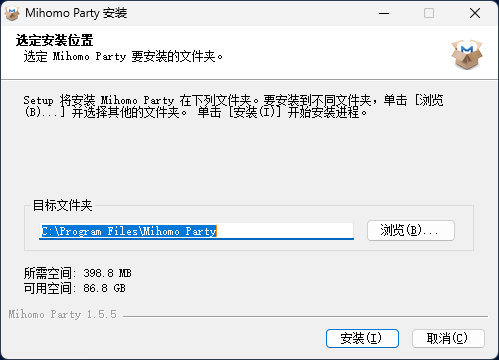
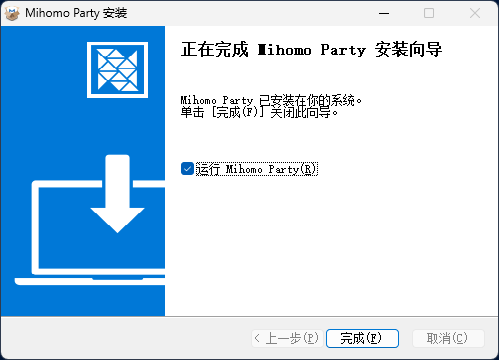
Finish the installation and start Clash Party:
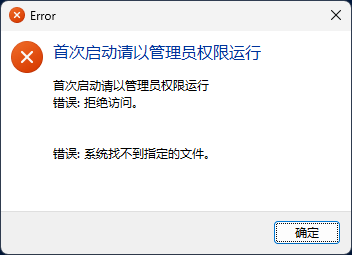
If the app reports a permission error on first launch, run it as administrator:
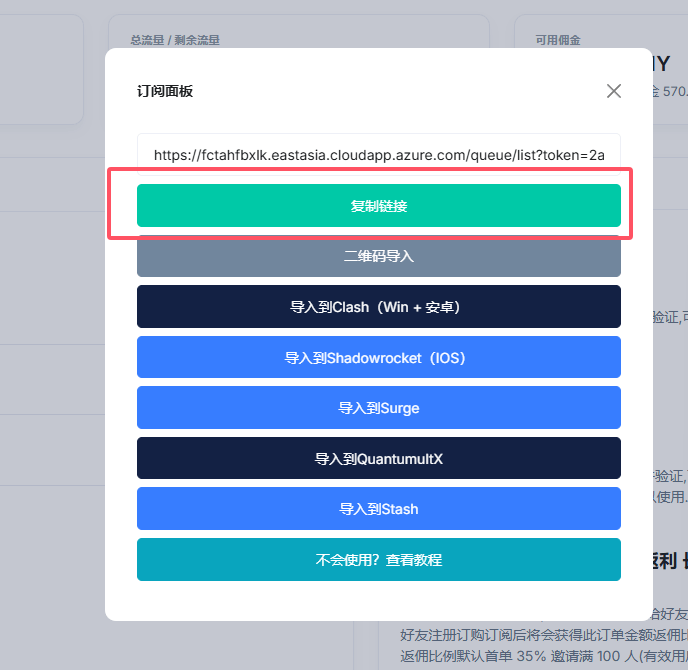
Open your subscription service dashboard and copy the Clash subscription URL:
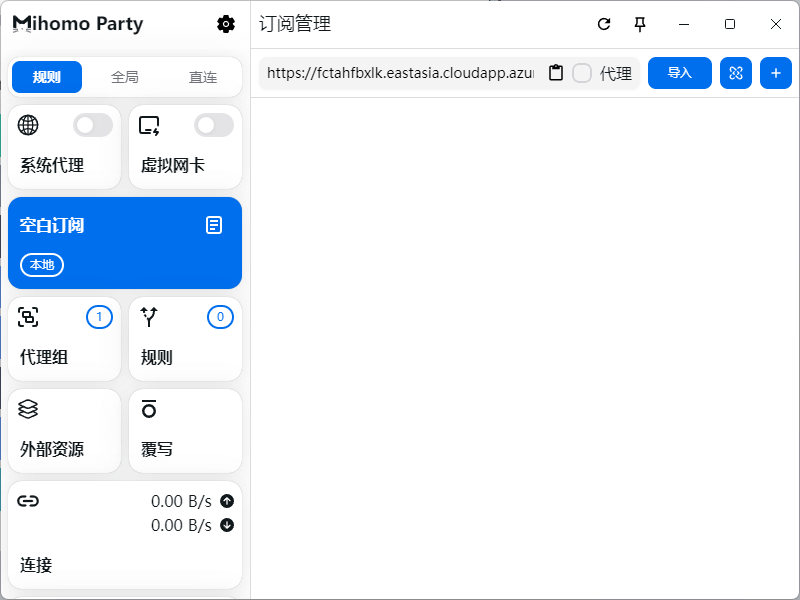
Paste the URL into an empty subscription field and import it:
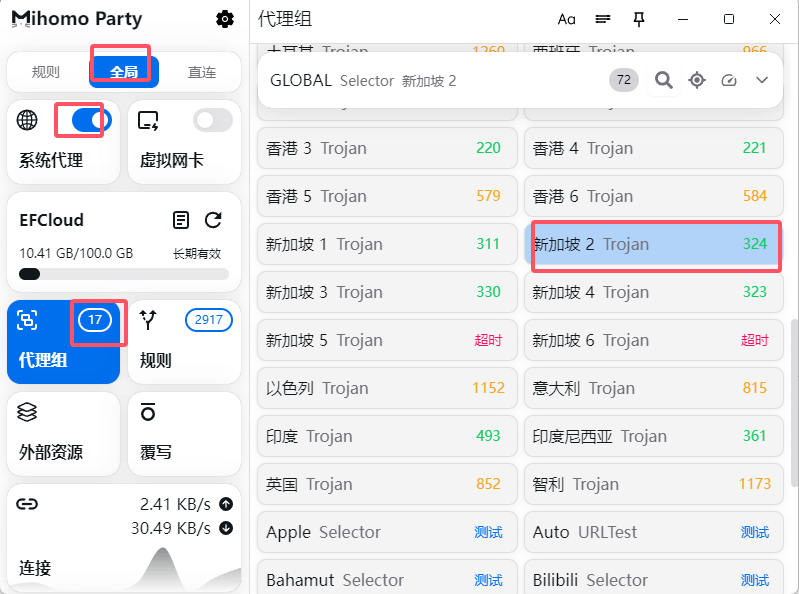
After import succeeds, enable System Proxy, choose the proxy mode you need, and select a node:
Note
Clash Party was formerly named Mihomo Party. Download, installation, and daily usage are mostly the same after the rename.